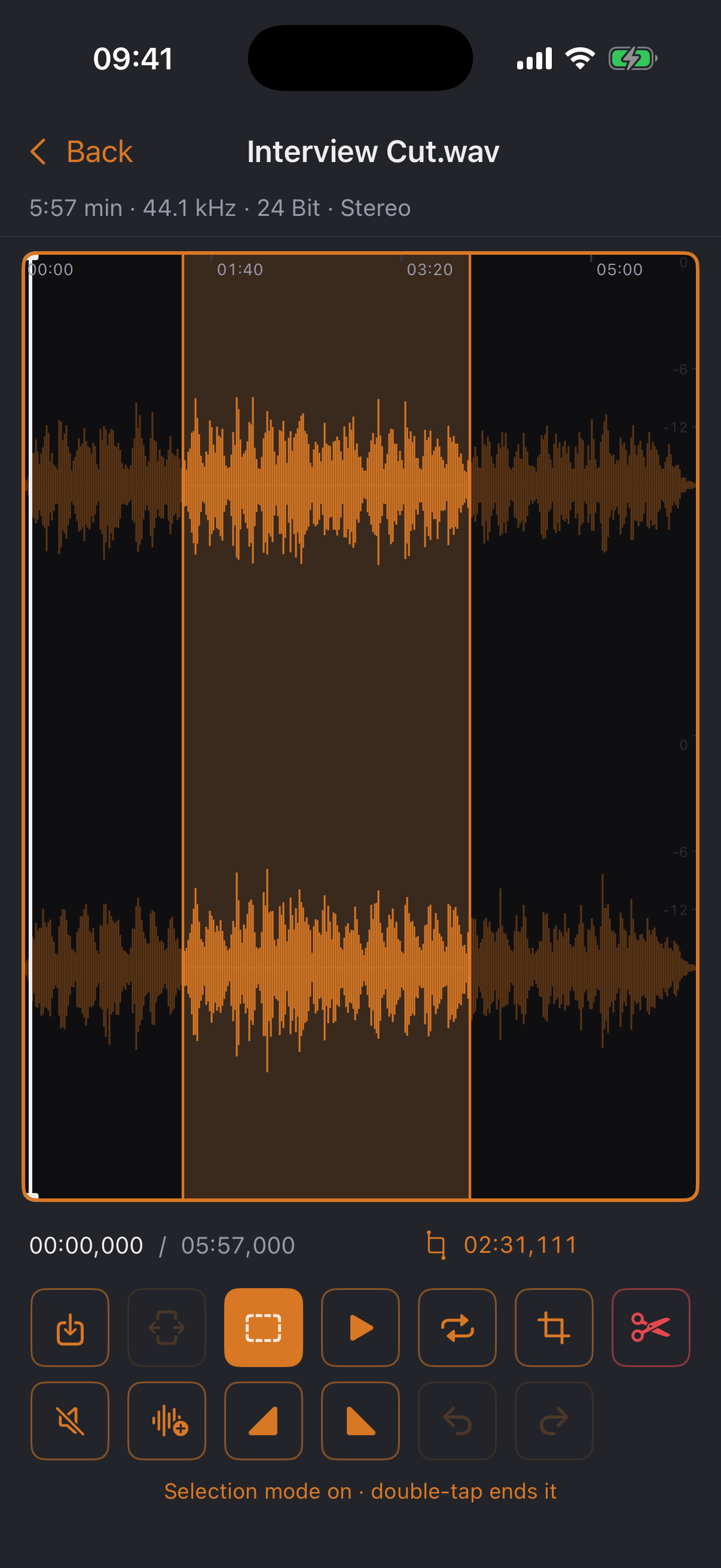
Load a file, zoom right down to the waveform, select, cut, fade, normalize. Record through USB audio interfaces in true stereo — and export MP3 with an in-house encoder calibrated against LAME, something iOS itself doesn't have. No account, no cloud, no ads.
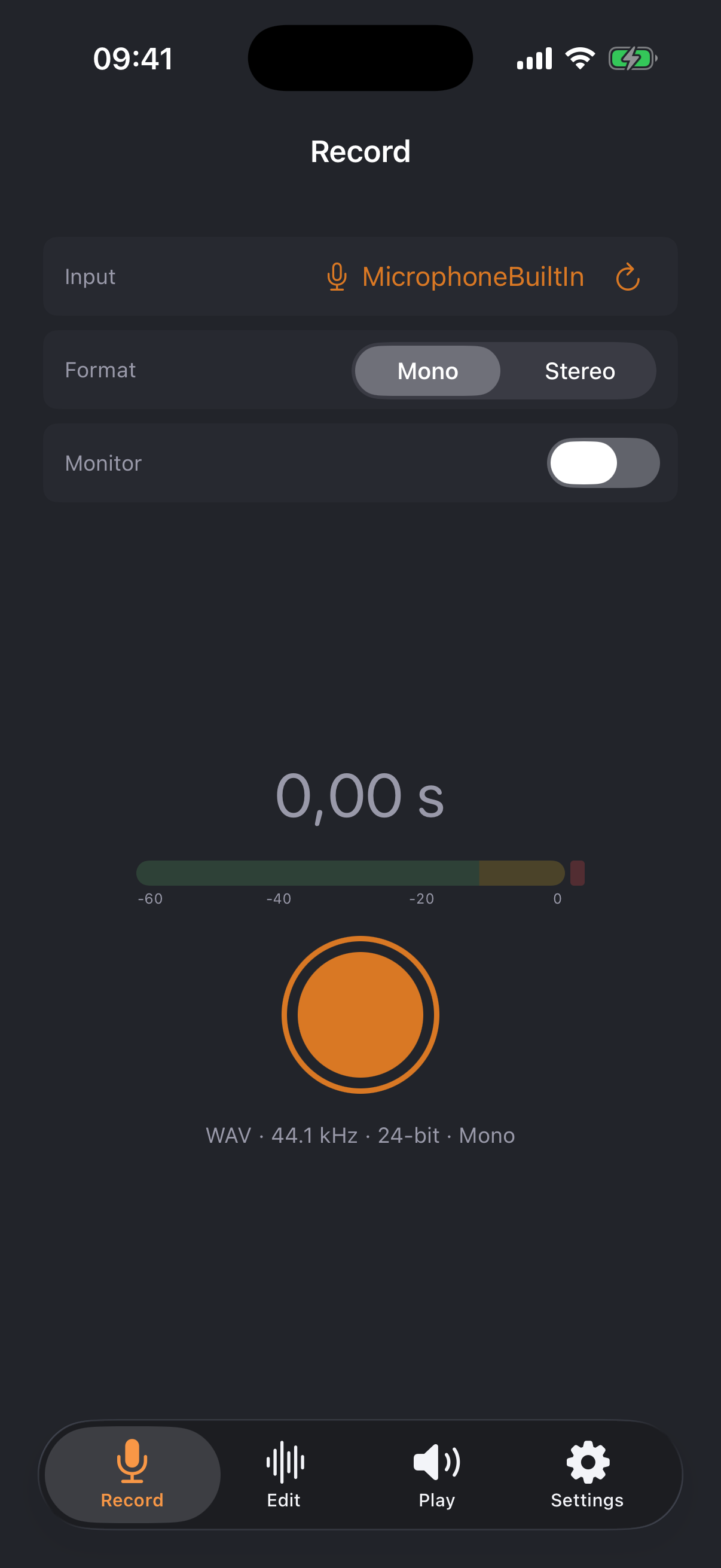
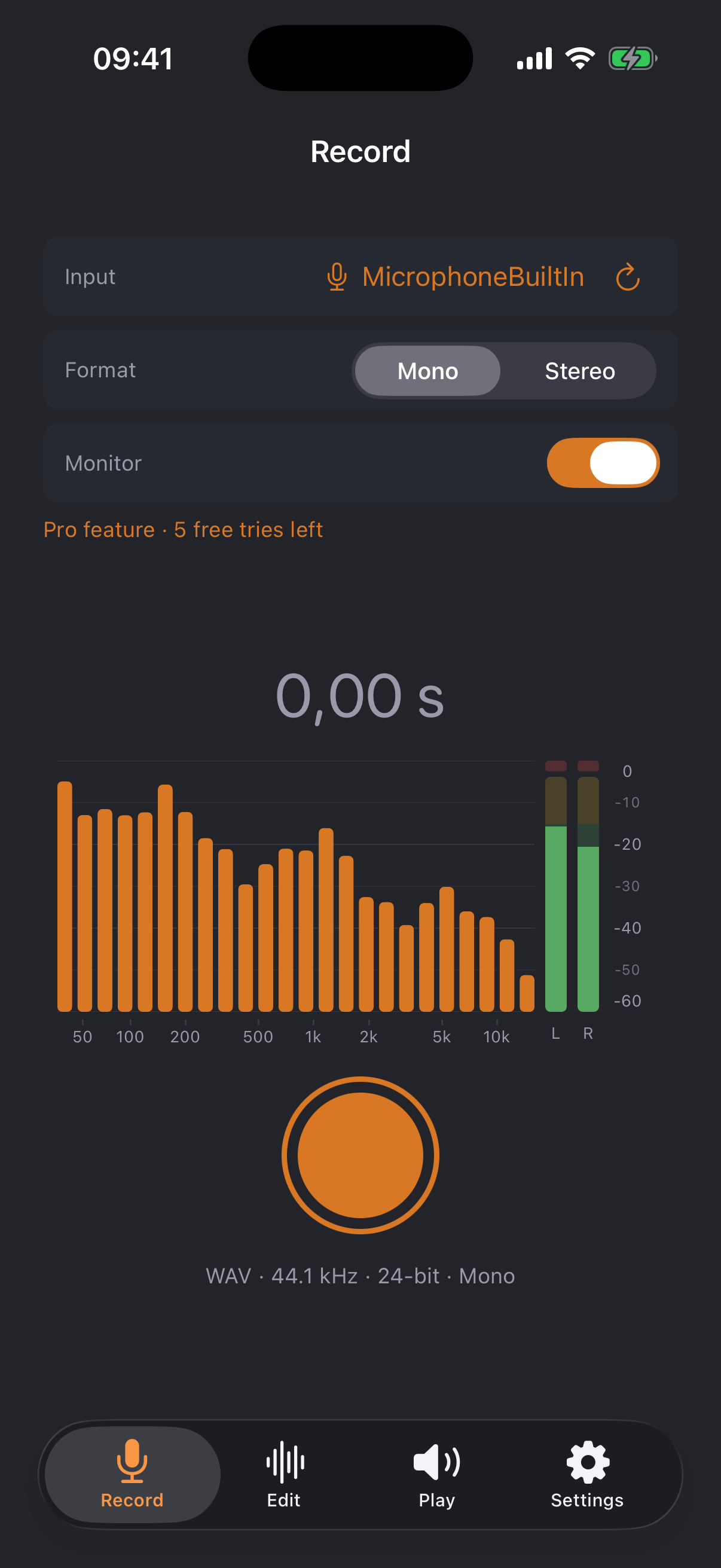
The Record tab turns your iPhone into a recorder: uncompressed WAV at 44.1 kHz and 24-bit — source material without compromise.


The heart of the app: one waveform, precise cuts — like a desktop sample editor, designed for the touchscreen.


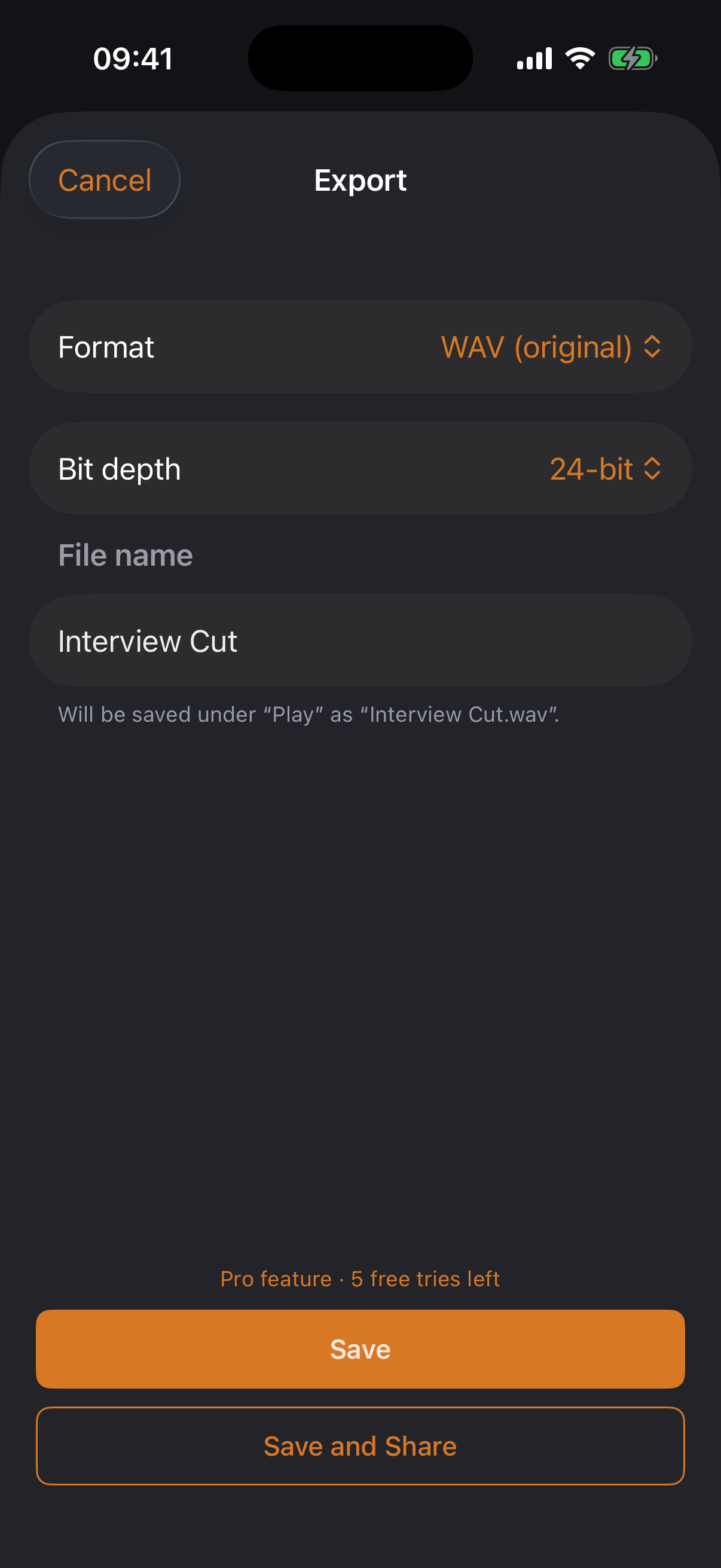
WAV, AIFF, CAF, Apple Lossless, AAC — and MP3 via jd.Codec, the in-house encoder calibrated against LAME that iOS doesn't ship: CBR, VBR (V0–V9), ABR, joint stereo, sample-accurate gapless. Bit depth and dither to taste, a size estimate before writing, and “Compress” right from the file list.

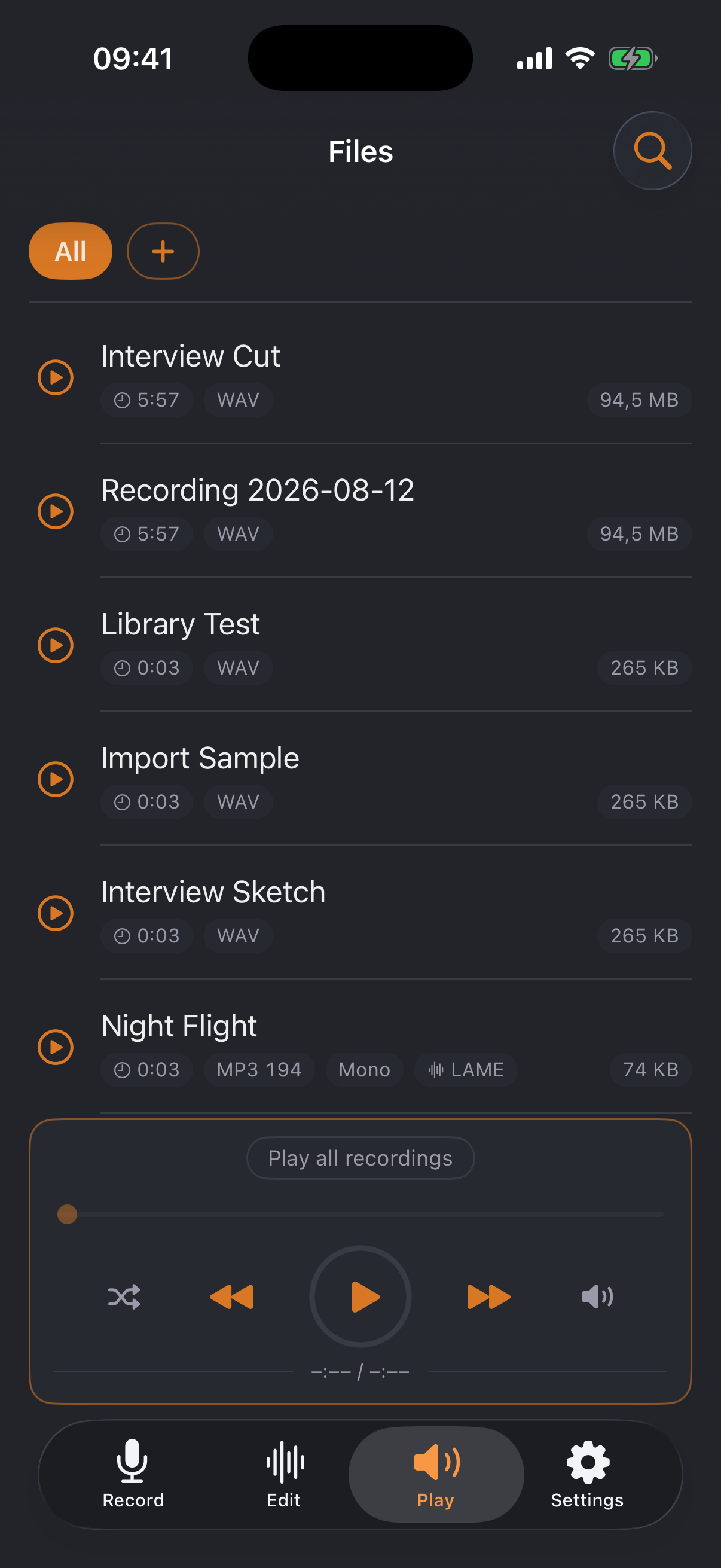
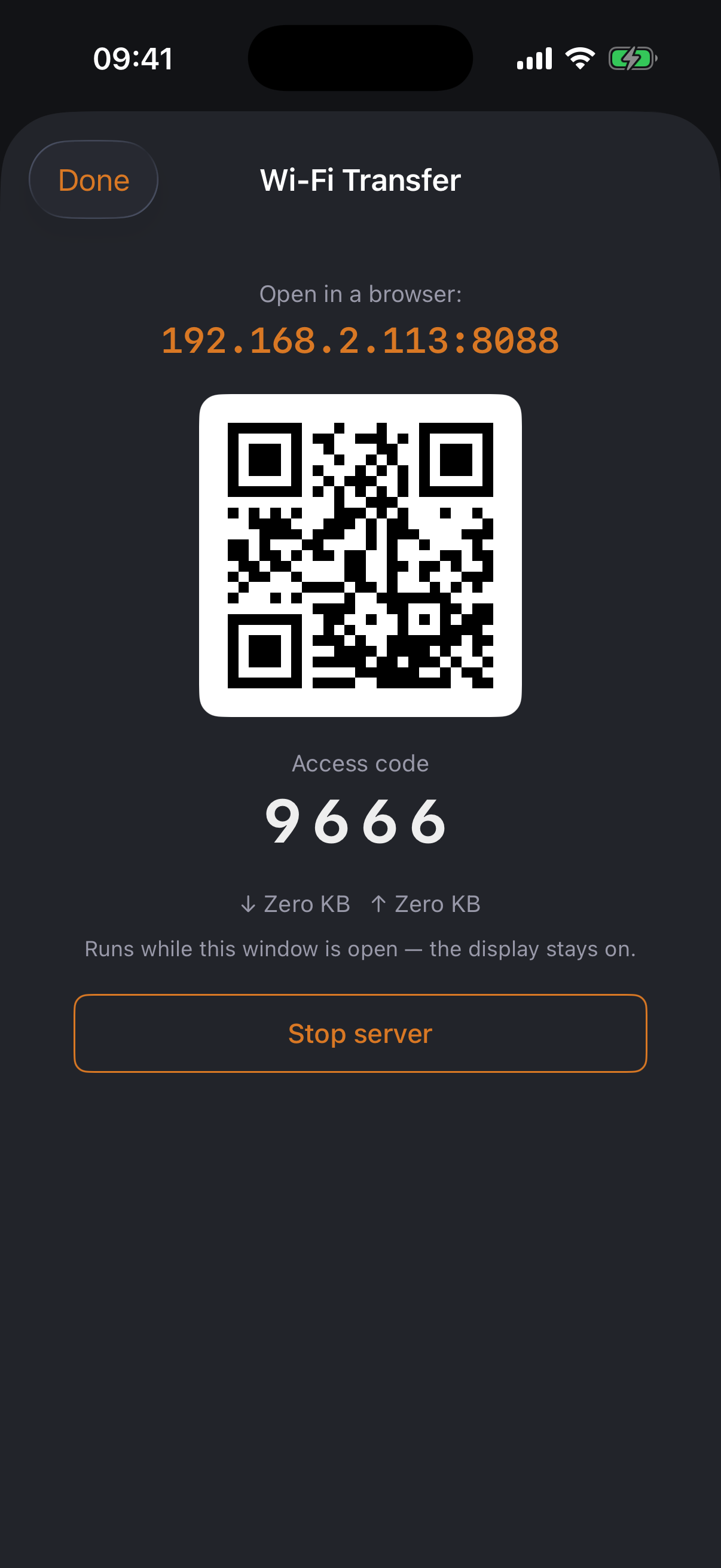
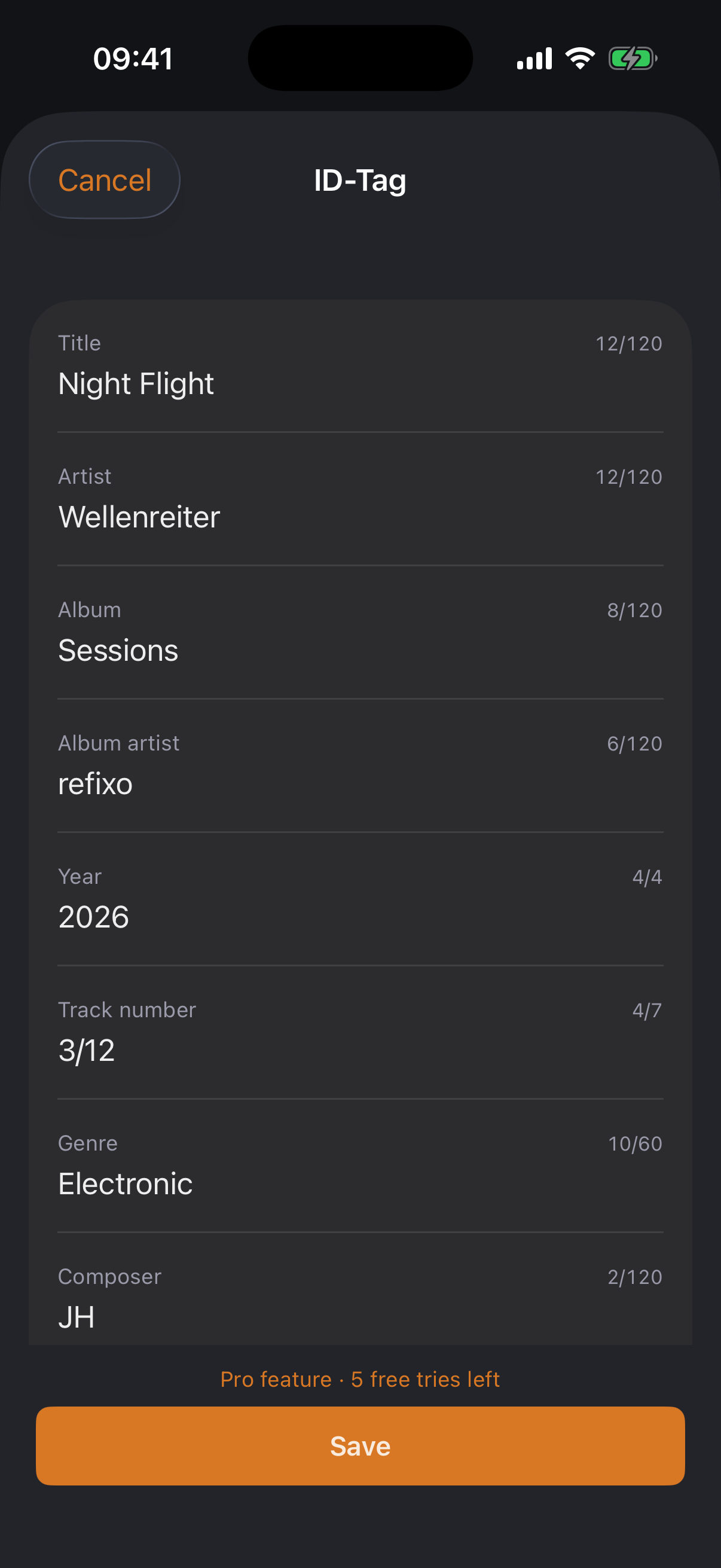
The library keeps things tidy — and files travel wirelessly to wherever they're needed.


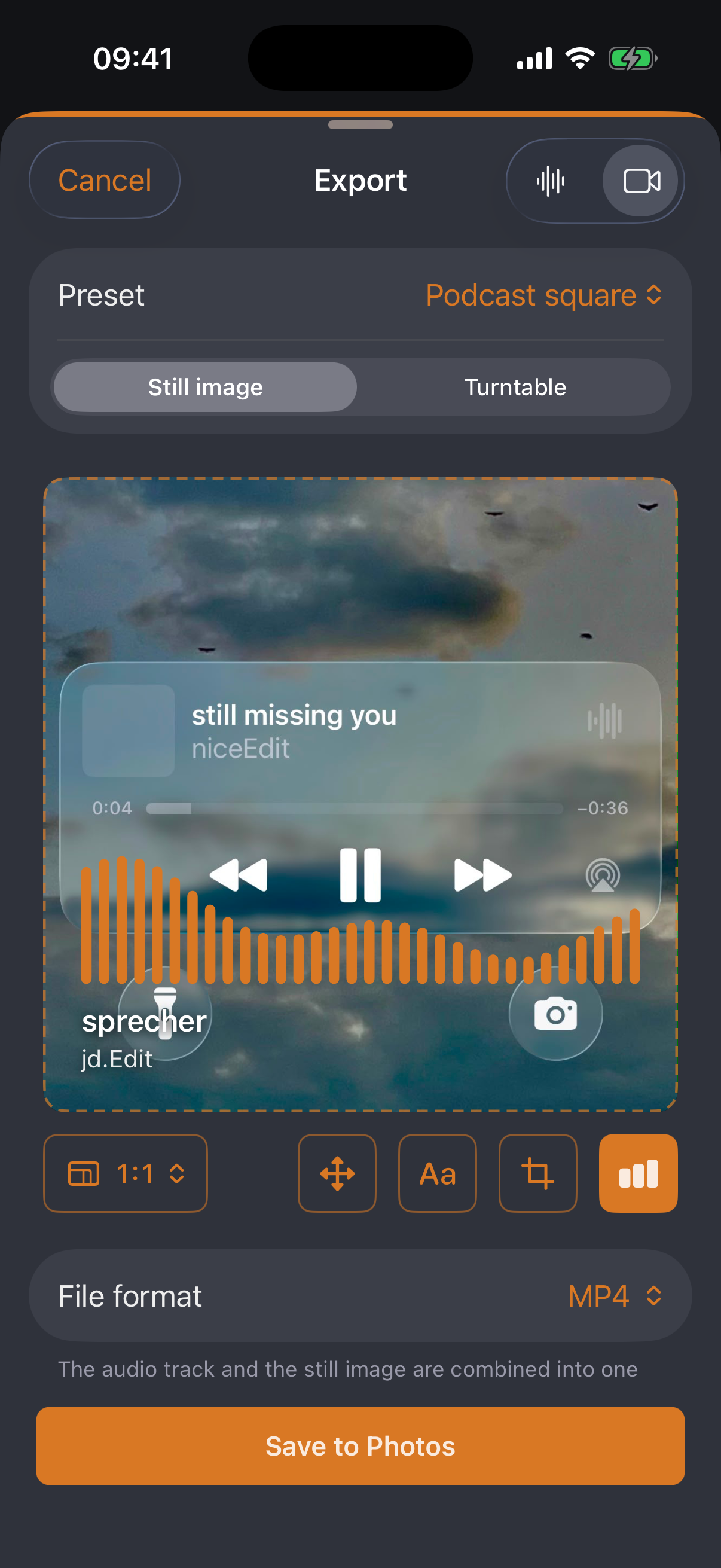
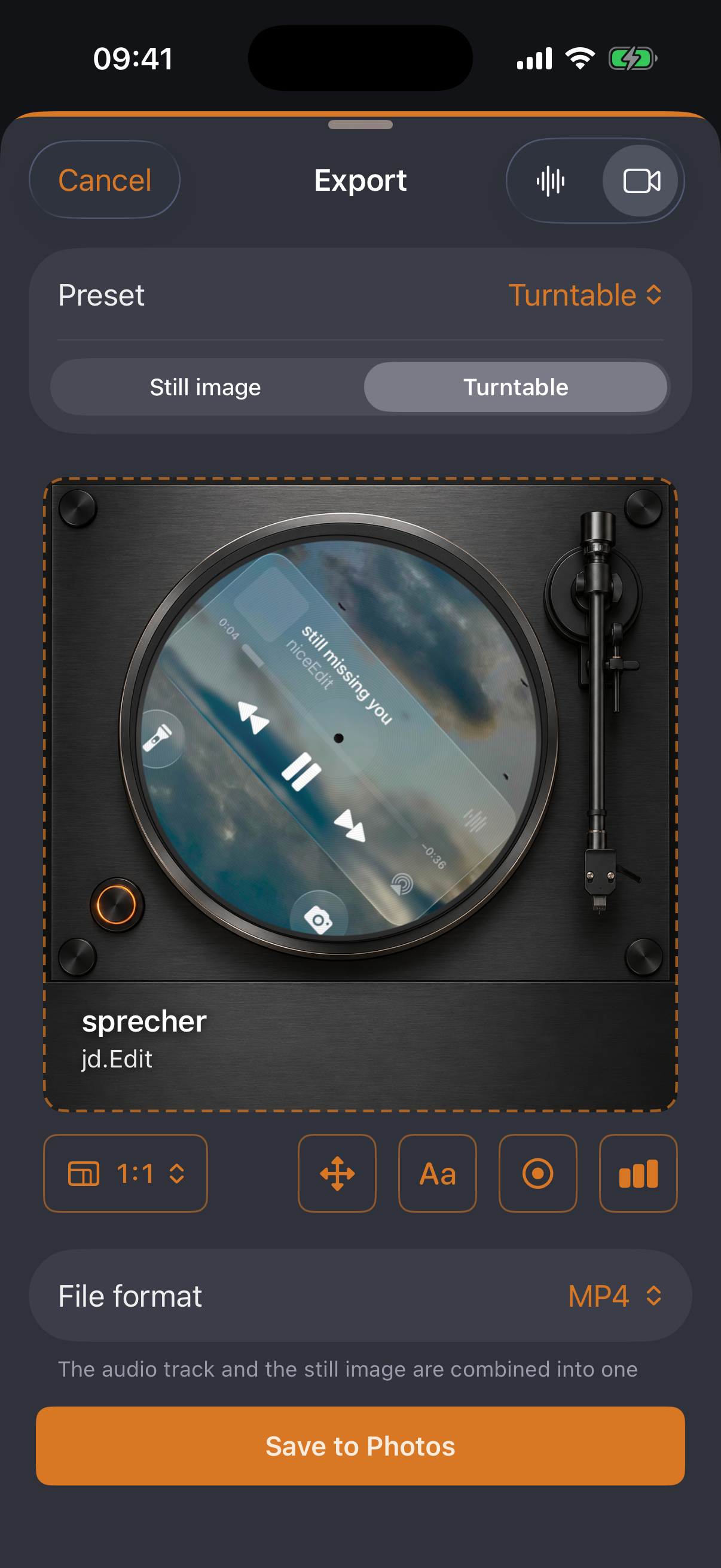
The audio becomes a video for the web — a still image with cover and equalizer, or a turntable with the cover spinning on it.


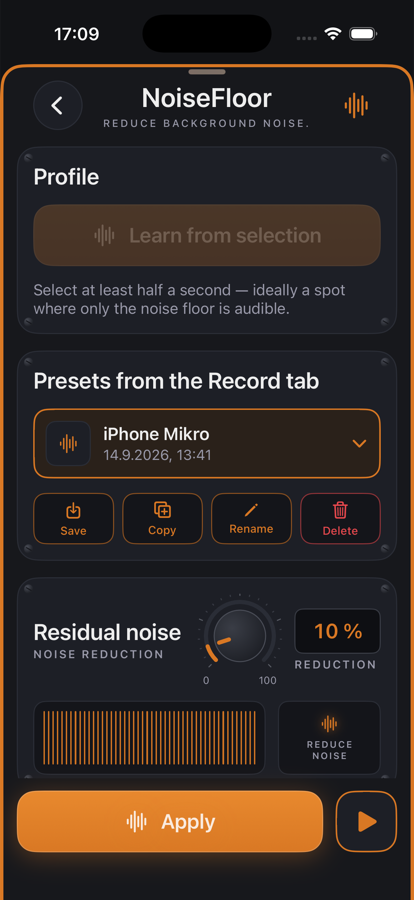
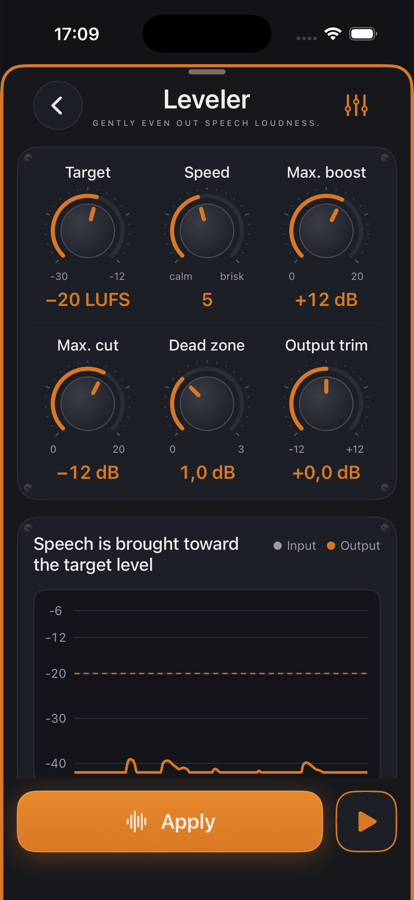
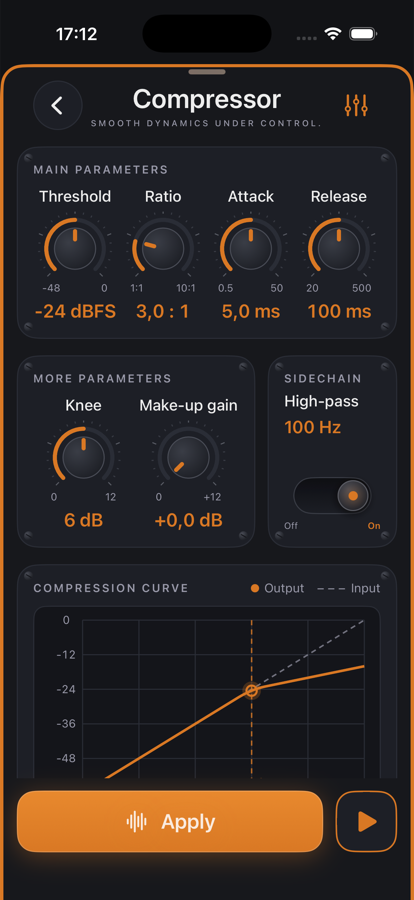
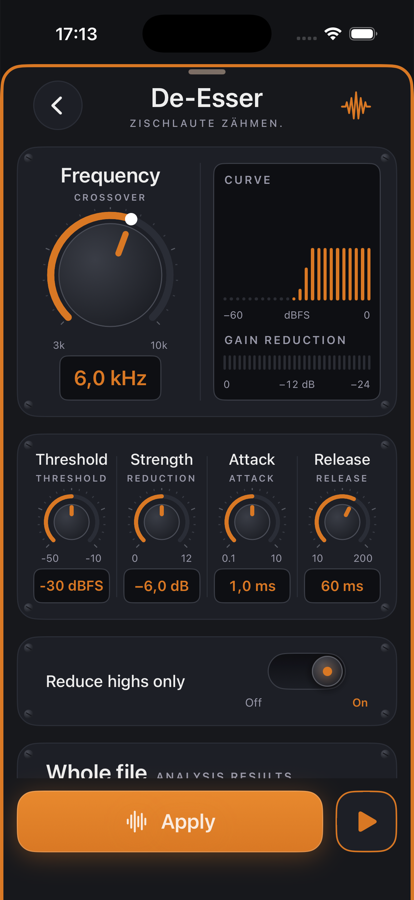
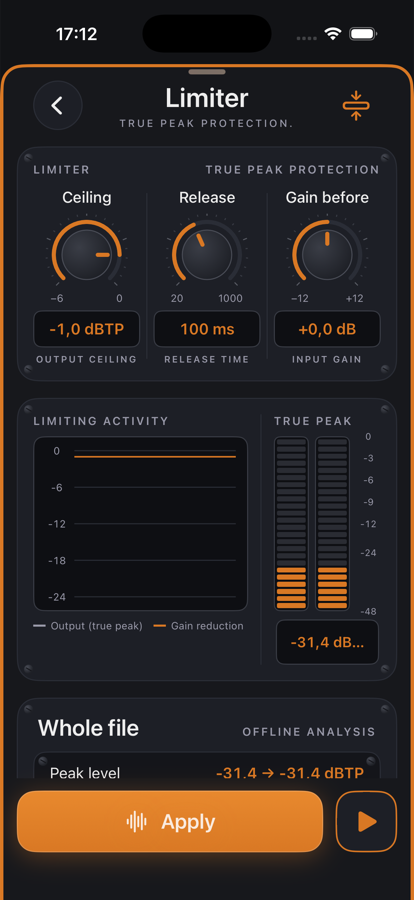
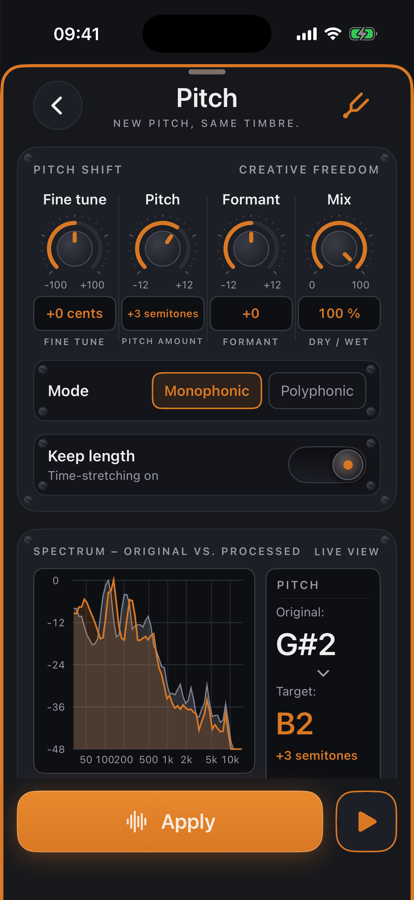
Every effect has its own page with knobs, toggles and meters — like a plug-in. The play button loops the change instantly; Apply writes it non-destructively, Undo removes it. Pro features can be tried twenty times for free.
More effects: Normalize · Stereo to Mono · High-pass · SoundsBetter
All effects in detail →Overall SNR in dB at 128 kbit/s, identical input, decoded with Apple's decoder — higher is better. How it was measured — the full process →
| Opens | WAV, AIFF, CAF, MP3, M4A/AAC, Apple Lossless, FLAC, Opus — mono and stereo |
|---|---|
| Exports | WAV, AIFF, CAF, Apple Lossless, AAC, MP3 (jd.Codec) · 16/24-bit or 32-bit float · dither |
| Recording | WAV 44.1 kHz / 24-bit · mono or stereo · internal and external inputs (USB, headset, Bluetooth) |
| Editing | Non-destructive · unlimited undo/redo · zero-crossing snap · 2 ms micro-fades |
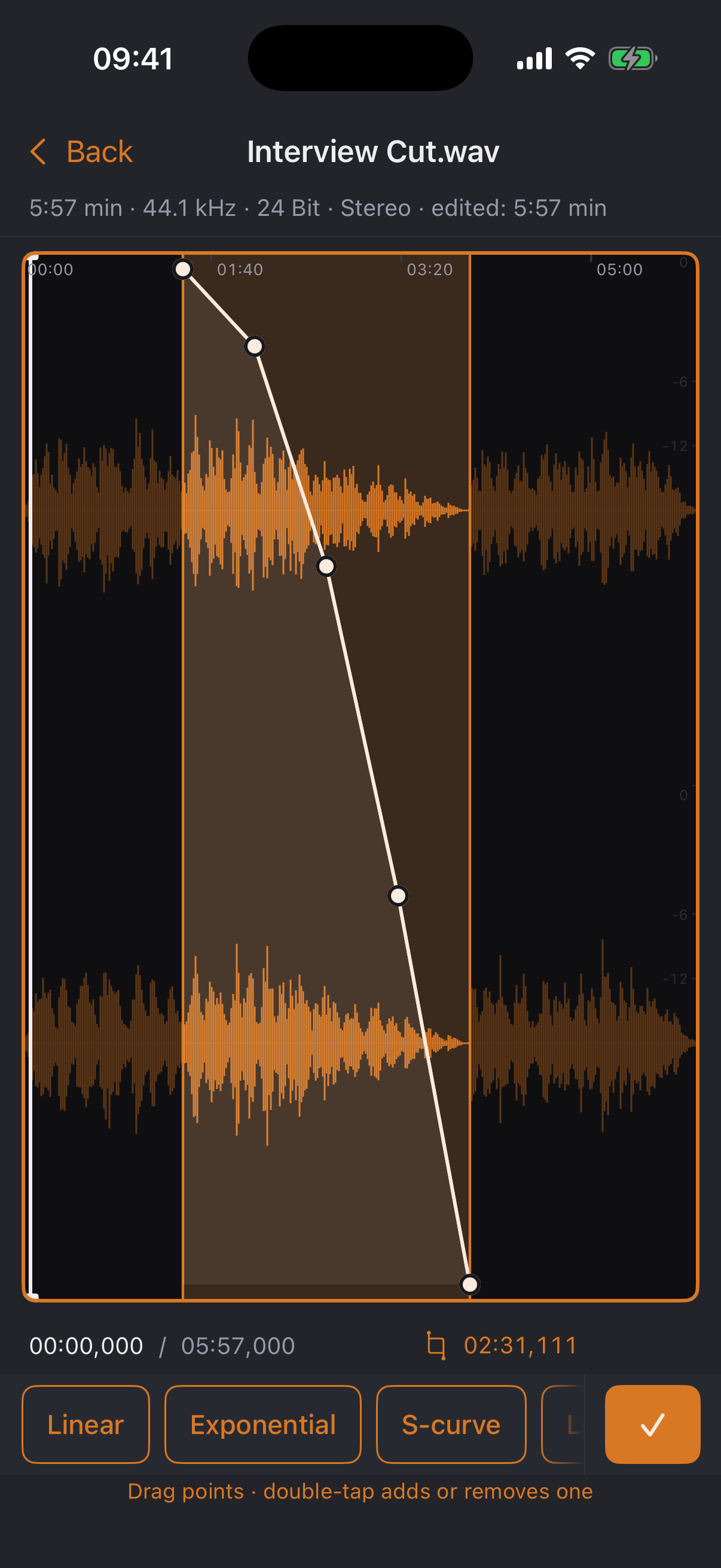
| Tools | Delete, trim, silence, fade curves (7 presets), normalize (peak/RMS), loop playback |
| Files | Folders, search, rename, mini player · visible in the iOS Files app · Wi-Fi transfer in the browser |
| Languages | English and German — switchable without a restart |
| Pricing | Free download, one-time Pro unlock. No subscription, no ads. |
jd.Edit sends nothing. No analytics, no account, no servers, no third-party SDKs. The only permission is the microphone — and the app asks only when you actually record.
Wi-Fi transfer stays on your own network too: it connects iPhone and computer directly, protected by an access code, and runs only while you keep it switched on.
The free tier is a complete app — nothing is artificially crippled. If you work with audio, get Pro: buy once, yours forever. And every Pro feature can be used twenty times for free first — only then does the app ask you to unlock.
Try all of it twenty times for free — the allowance counts per feature, not in total.
Get the waveform editor that turns your iPhone into a cutting desk — download for free, unlock Pro once, yours forever.
Download on the App StoreFree for iPhone · one-time Pro unlock · English & German