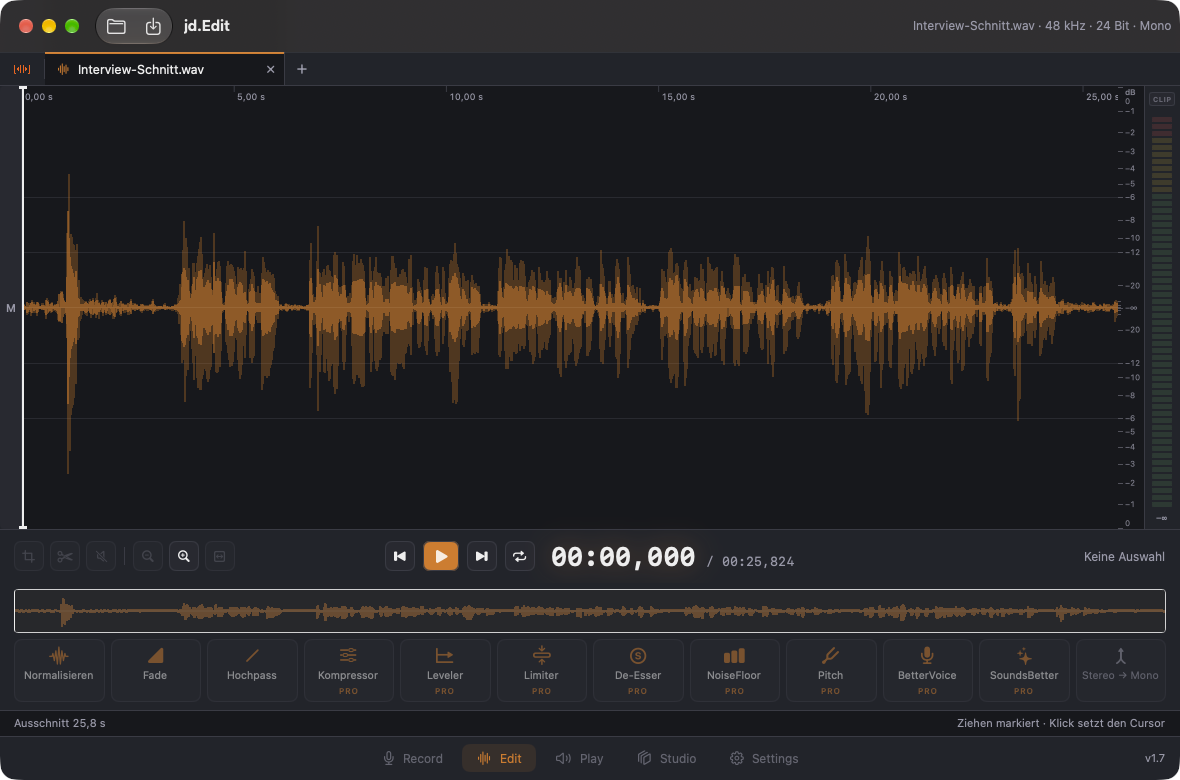
jd.Edit will also be available for the Mac — not as a second app, but as part of the same one: if you have unlocked jd.Edit Pro on your iPhone, you use it on the Mac as well. The Mac version is in progress; here is what it already does and what is still to come.
The editor is built for mouse, trackpad and keyboard: files sit side by side as tabs, the menu bar carries every command with a shortcut, the trackpad zooms with two fingers around the pointer, and the pointer shows at the selection edges that they can be dragged. Level meters with LED chains, a clip indicator and an overview bar run all the time.
What's inside
- ✓Already built — Open via dialog or drop, a tab per file, select, cut, copy and paste between files, new file from selection, Save (⌘S) and Save As, undo/redo, loop, zoom via trackpad and keyboard.
- ✓Still to come — The effect pages, recording and the studio — they follow step by step. The strip already shows the effects, but without pages yet.
- ✓Requirements — Mac with Apple silicon (M1 or later), macOS 14.4 or later.
- ✓One purchase — Universal purchase: jd.Edit Pro applies on iPhone, iPad, iPhone Duo and Mac.
The Mac version is not on the App Store yet. Once it is ready, it ships as part of the same app.