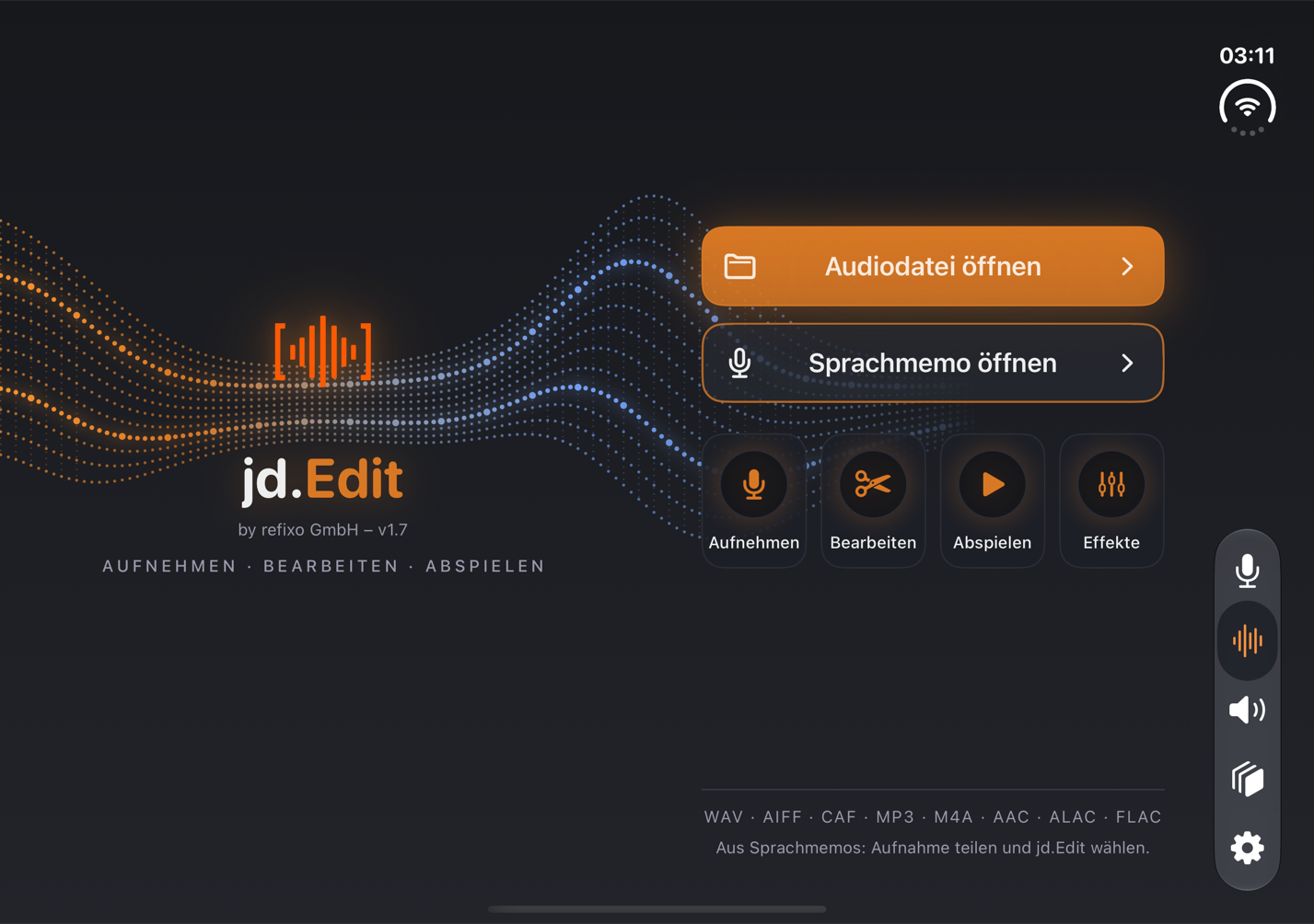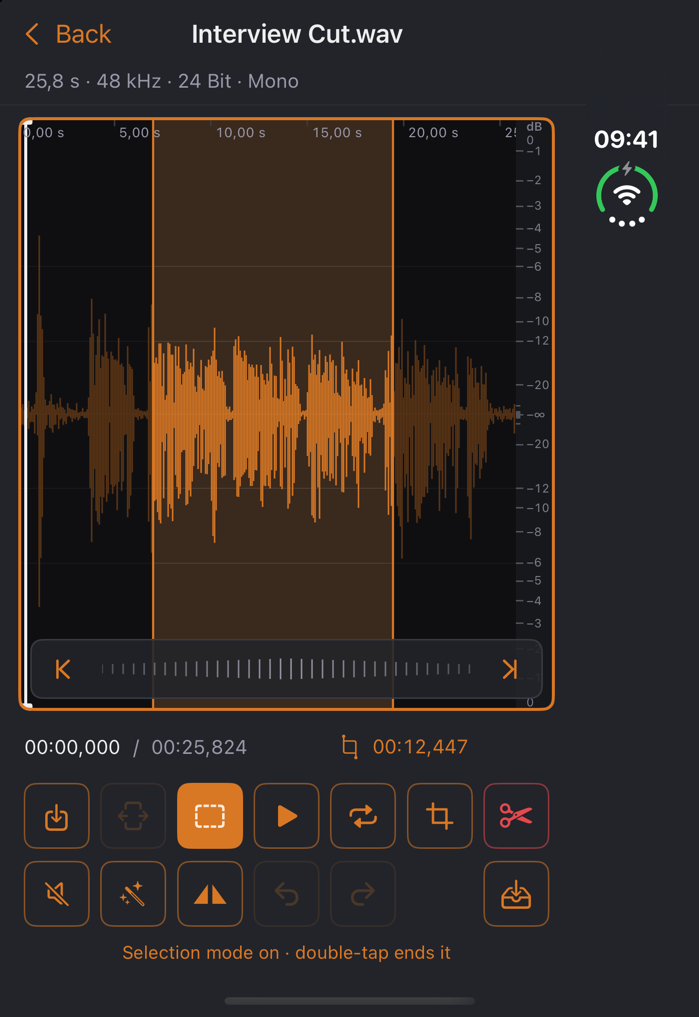
jd.Edit has its own layout for iPhone Duo. Folded, the app runs on the outer display like on any iPhone, only more compact: title rows, sheets and effect pages fit the smaller area without losing anything.
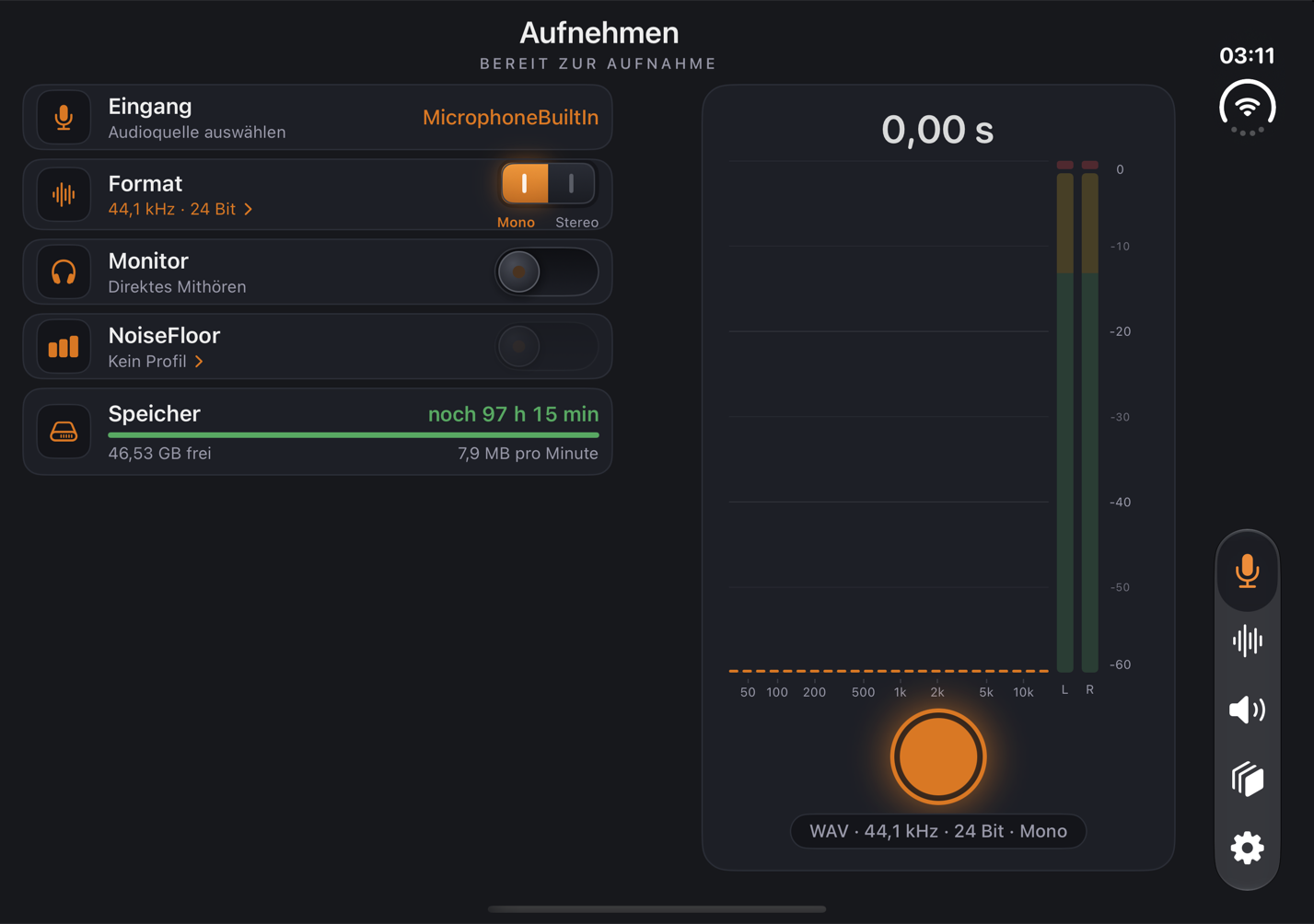
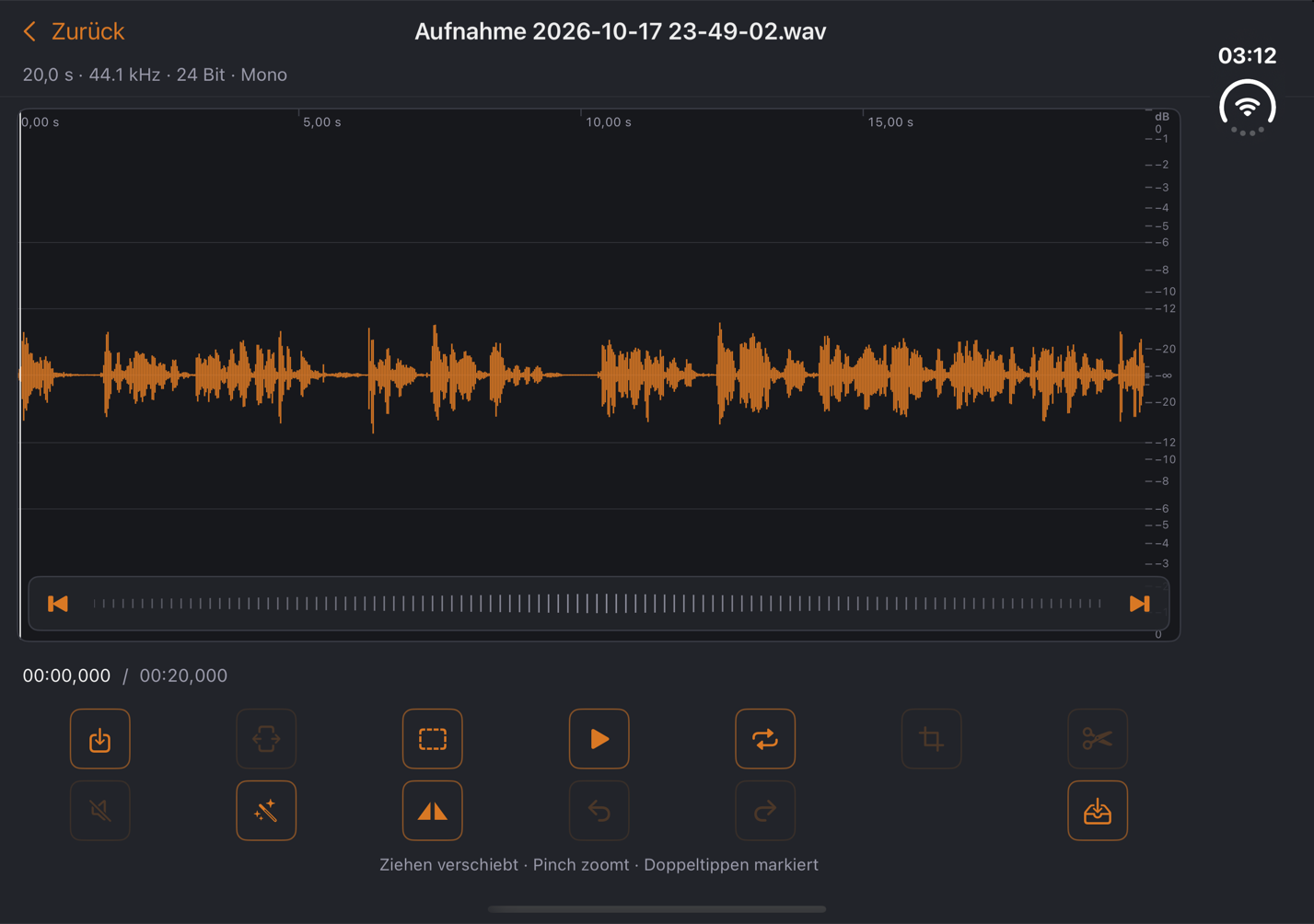
Unfolded, it uses the full width: the start page becomes a book — logo on the left, buttons on the right —, Record gets two columns with settings on the left and meters on the right, and the editor shows the waveform edge to edge. Half open, the fold stays clear: no button, no knob sits on the crease.
What's inside
- ✓Outer display — All areas — Record, Edit, Play, Studio, Files — in compact form; effects as a full-width sheet.
- ✓Inner display — Book-style start page, two-column recording with large meters and spectrum, full-width editor, sidebar with the areas on the right edge.
- ✓Half open — The app knows the fold and keeps it clear — content sits left and right of it.
- ✓One purchase — The same app as on iPhone, iPad and Mac: jd.Edit Pro applies on all devices.
Requires iOS 27.1 or later. The Duo layout is part of version 1.7.