jd.Tools · for iPhone

jd.Edit

Cut audio like on a desktop.

jd.Edit is the waveform editor for iPhone — from the first take to the finished file: Record, Edit, Listen. No account, no cloud, no ads.

Download on the App Store

Free download · one-time Pro unlock · English & German
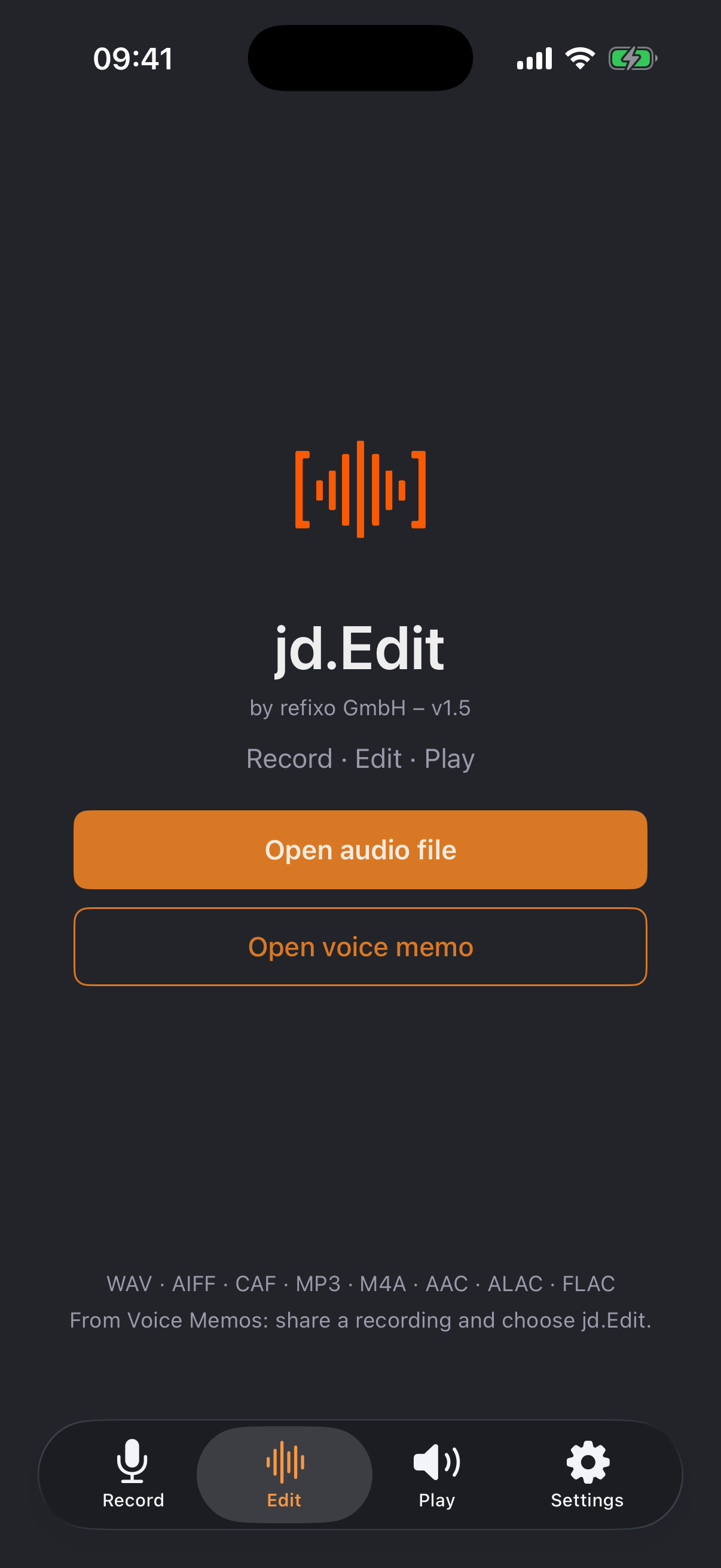
Start screen
01

Record

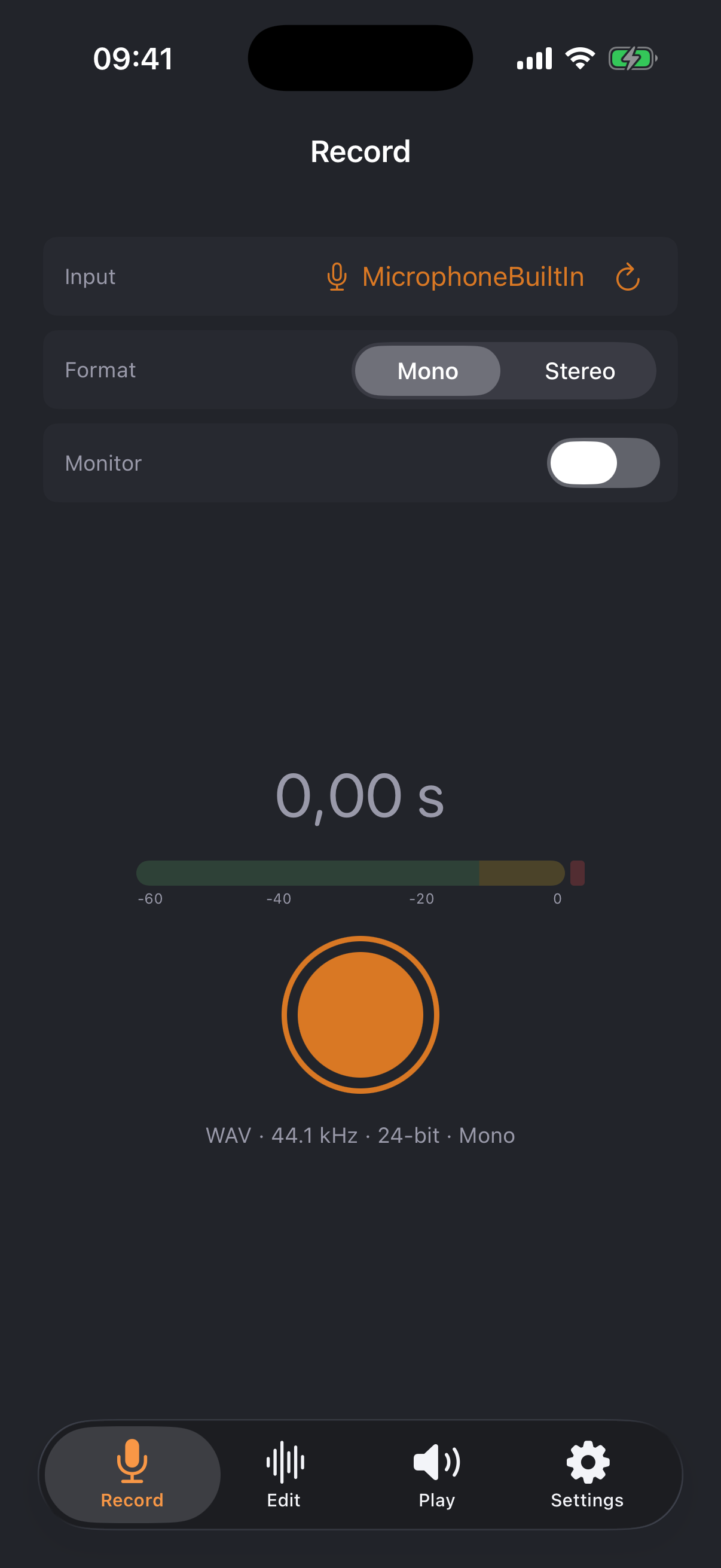
The Record area turns the iPhone into a recorder: uncompressed WAV at 44.1 kHz / 24-bit — source material without compromise.

  • ✓Free choice of input: built-in microphone, headset, Bluetooth — and USB audio interfaces in true stereo
  • ✓Your input choice is remembered; iOS may not silently switch back to a headset
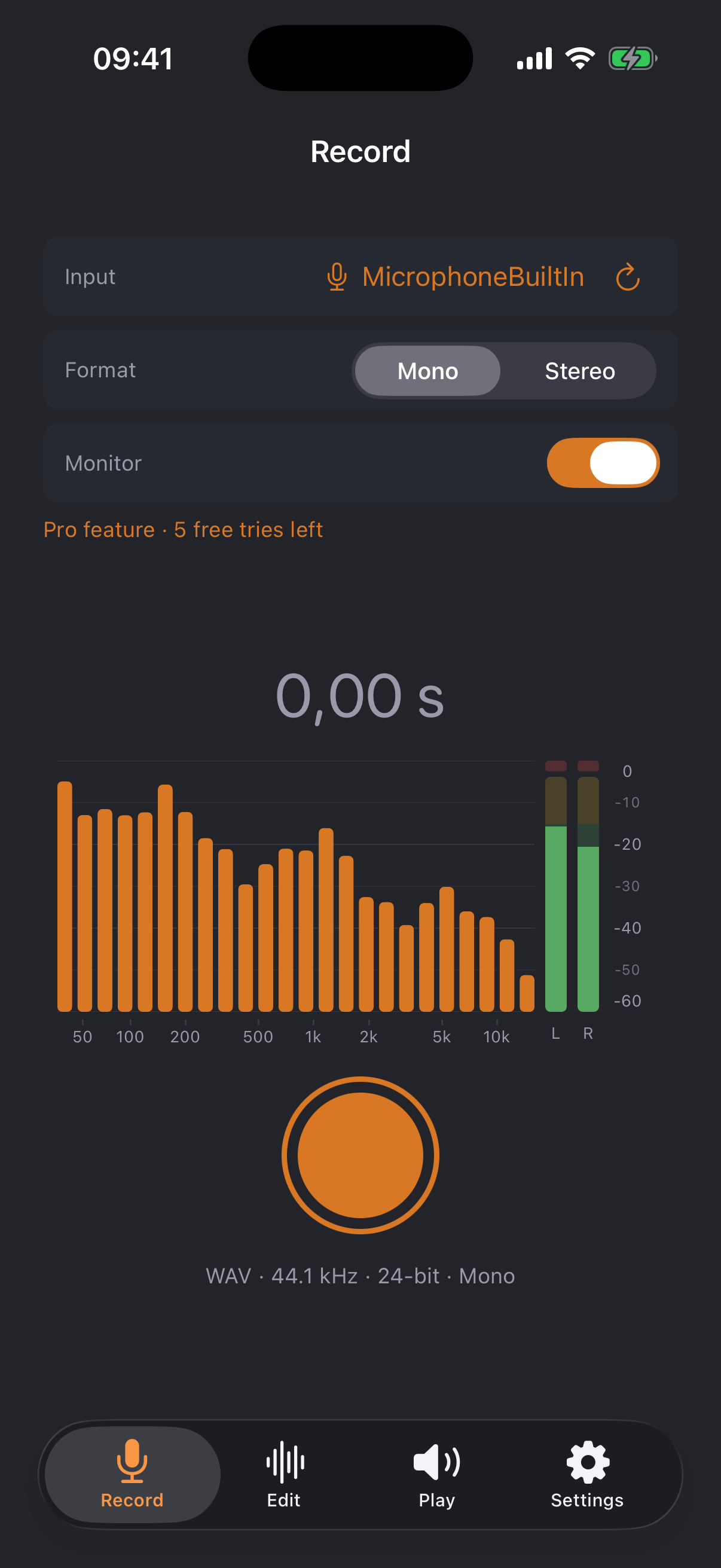
  • ✓Monitor with real-time spectrum (50 Hz–16 kHz), L/R level meters and clip indicator
  • ✓Recordings land in the file shelf immediately, ready to edit
Recording with level meter
Recording monitor with spectrum
02

Edit

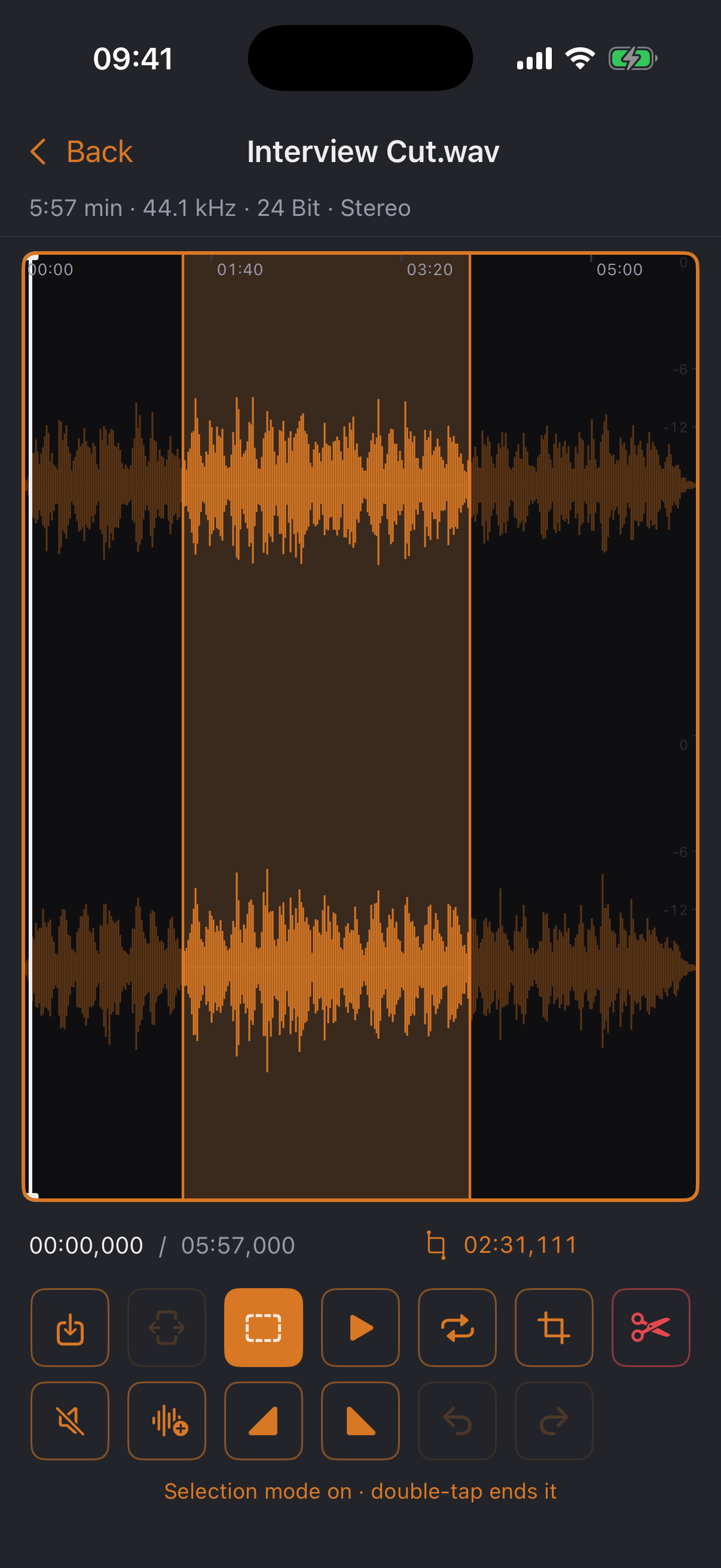
The core of the app: one waveform, precise cuts — like a desktop sample editor, designed for the touchscreen.

  • ✓Two-finger zoom all the way down to individual wave cycles, fluid thanks to a peak pyramid
  • ✓Selection mode via double tap: draw a range, listen, delete, trim, silence
  • ✓No clicks: zero-crossing snap and a 2 ms micro-fade at every cut edge
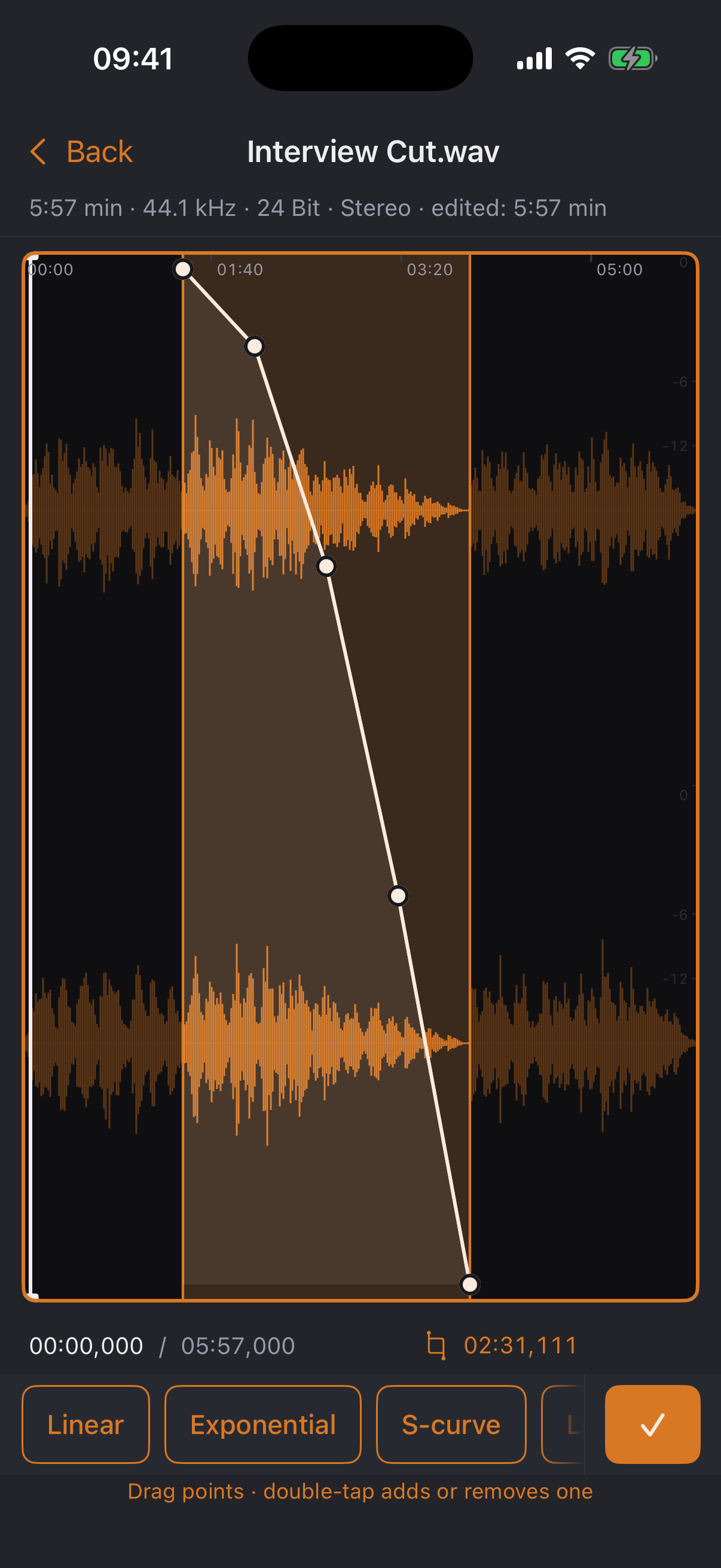
  • ✓Freely shapeable fade curves with seven presets — drag, add, remove points
  • ✓Normalize to peak or loudness (RMS) with upfront measurement and clipping protection
  • ✓Non-destructive with unlimited undo — the original file is never touched
Editor with selection
Curve editor

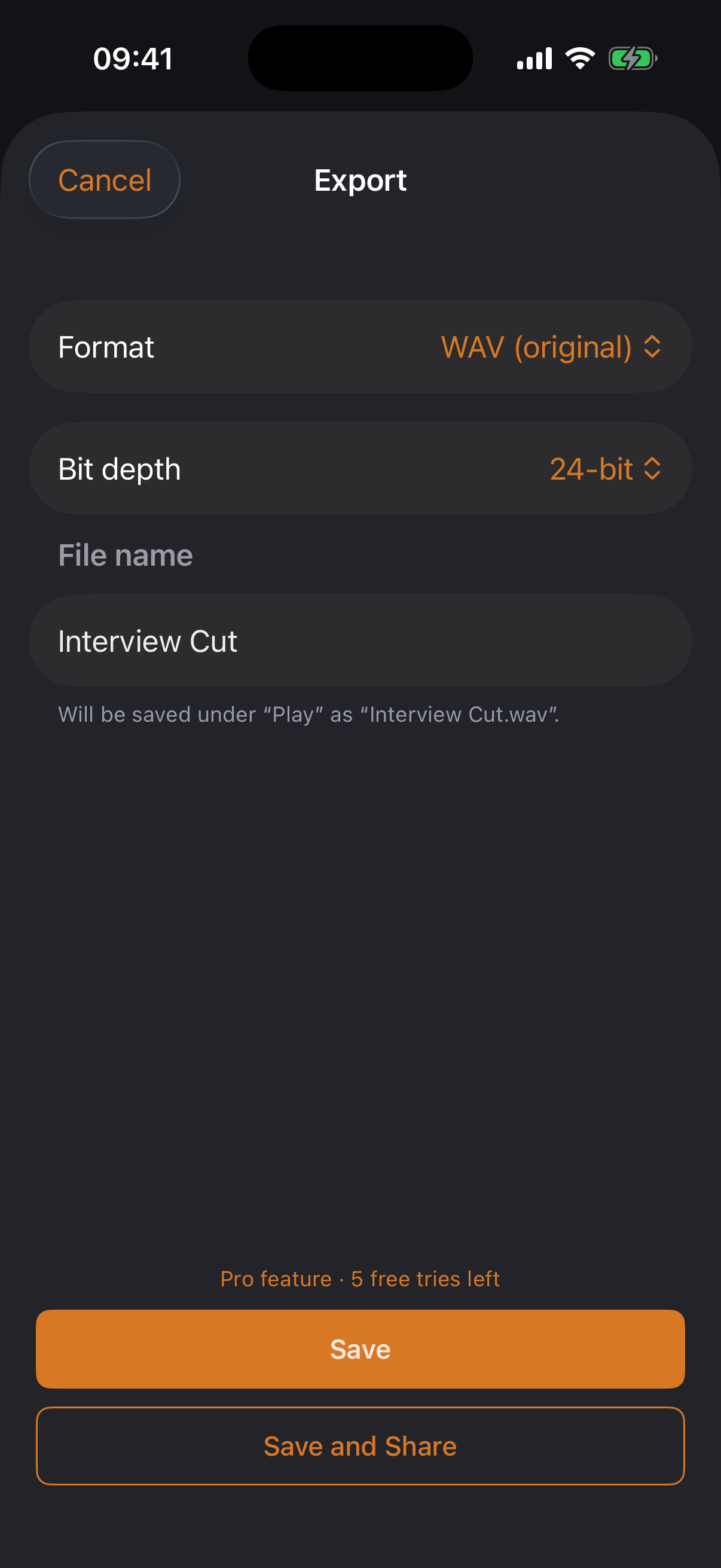
Export with its own MP3 encoder

WAV, AIFF, CAF, Apple Lossless, AAC — and MP3 via jd.Codec, the in-house encoder calibrated against LAME that iOS itself doesn't ship: CBR, VBR (V0–V9), ABR, joint stereo, sample-accurate gapless. Bit depth and dither of your choice, size estimate before writing, “Compress” right from the file list.

Export dialog
03

Listen

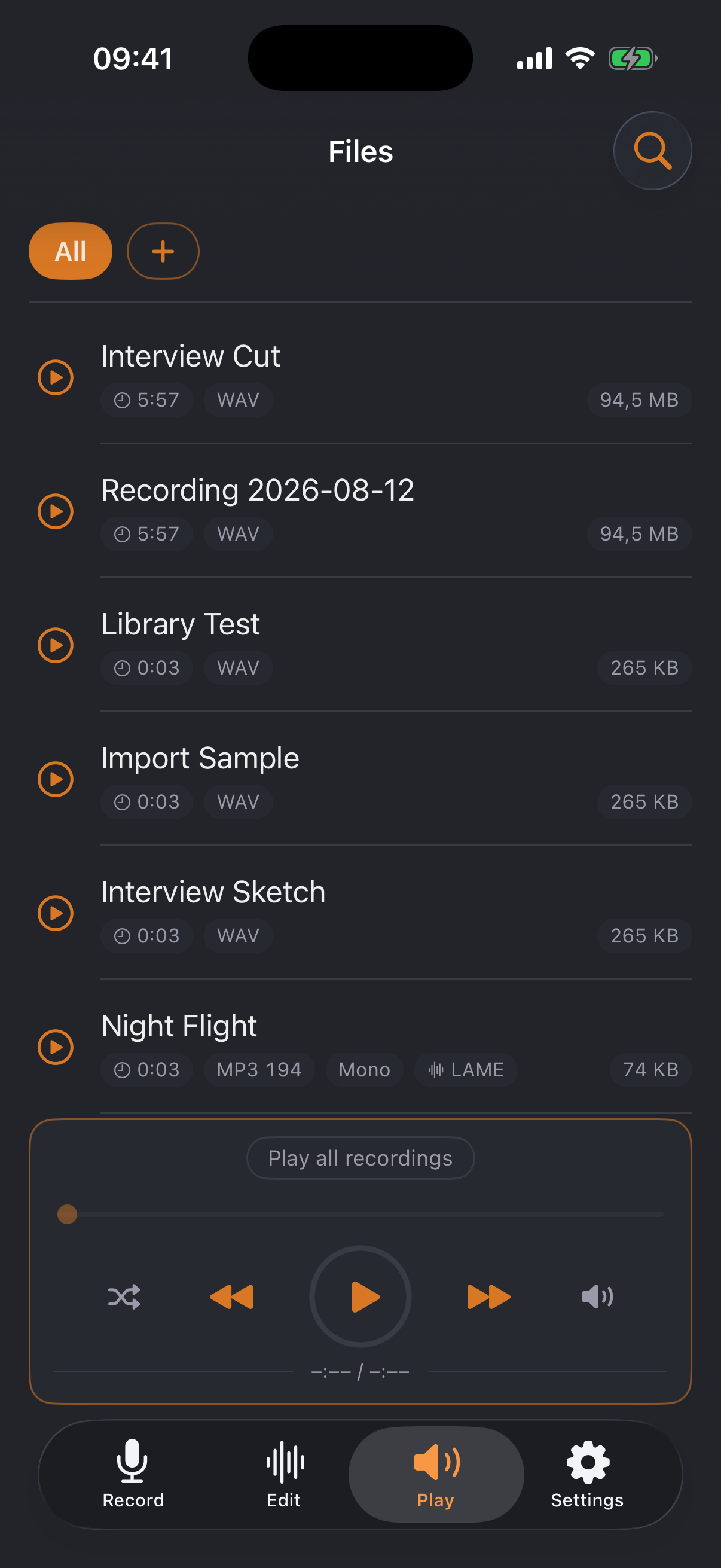
The file shelf keeps things tidy — and files travel wirelessly to where they're needed.

File shelf with mini player
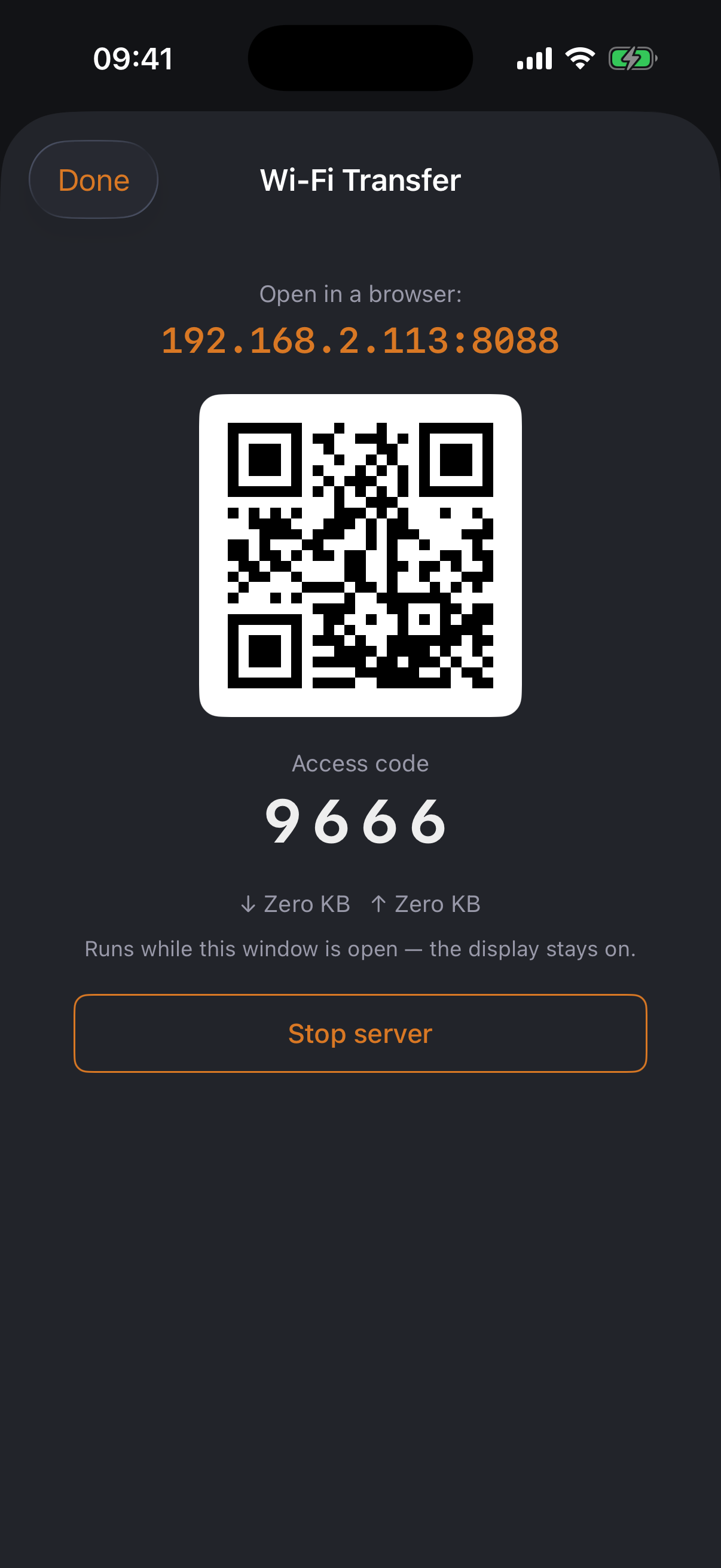
Wi-Fi transfer
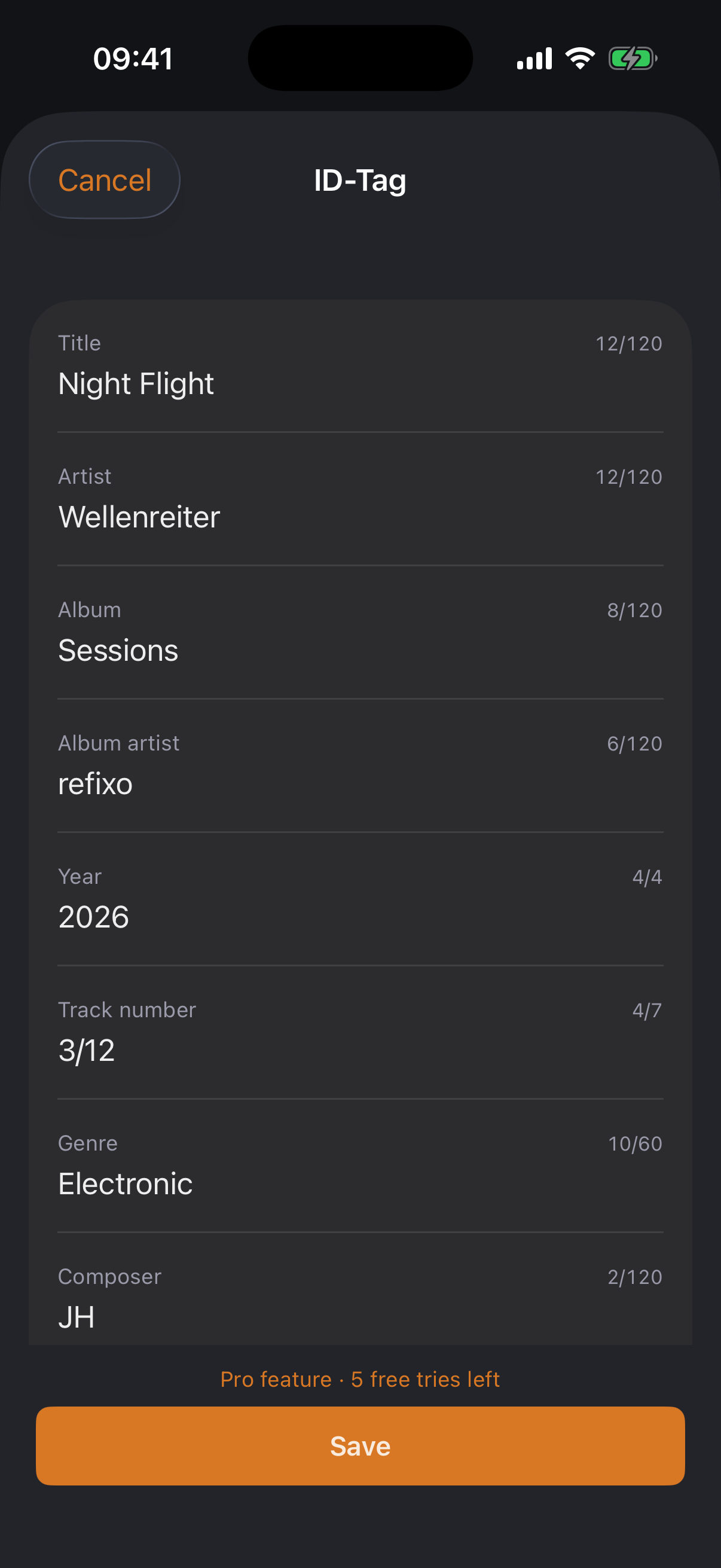
ID tag editor
  • ✓Sortable list with folders, search and preview; also visible in the iOS Files app
  • ✓Mini player with playlist, shuffle and lock-screen controls — including cover, title and artist from the ID tag
  • ✓Wi-Fi transfer: exchange files in the browser on your computer — QR code, access code, hotspot mode for hotel networks
  • ✓ID tag editor for MP3s: title, artist, album, cover & more — in the app and in the browser

Start free. Unlock once.

The free tier is a complete app. If you work with audio, get Pro — buy once, yours forever. And every Pro feature can be used twenty times for free first.

Free

0 €
  • ✓All import formats incl. FLAC and Opus
  • ✓Full editor: zoom, cutting, linear fades
  • ✓Mono recording with the built-in microphone
  • ✓File shelf, folders, mini player, preview
  • ✓Export as WAV and AAC
Launch price

Pro — one-time unlock

7,99 € 12,99 €
for a limited time · no subscription, no further purchases
  • ✓MP3 export with jd.Codec (CBR, VBR, ABR, joint stereo)
  • ✓Shapeable fade curves with all presets
  • ✓Normalize to peak and RMS
  • ✓USB interfaces, stereo recording, spectrum monitor
  • ✓Wi-Fi transfer incl. hotspot mode
  • ✓24/32-bit export with dither · ID tag editor

jd.Codec in numbers

+7.3 dB
mean SNR lead vs. LAME (q0) across 18 scores
116
round-trip checks against Apple's decoder
150×
real-time speed on Apple Silicon
0
external dependencies — pure Swift

How it was measured — the full process →